Title here
Summary here
Here is an overview of where and on which side each component needs to be soldered.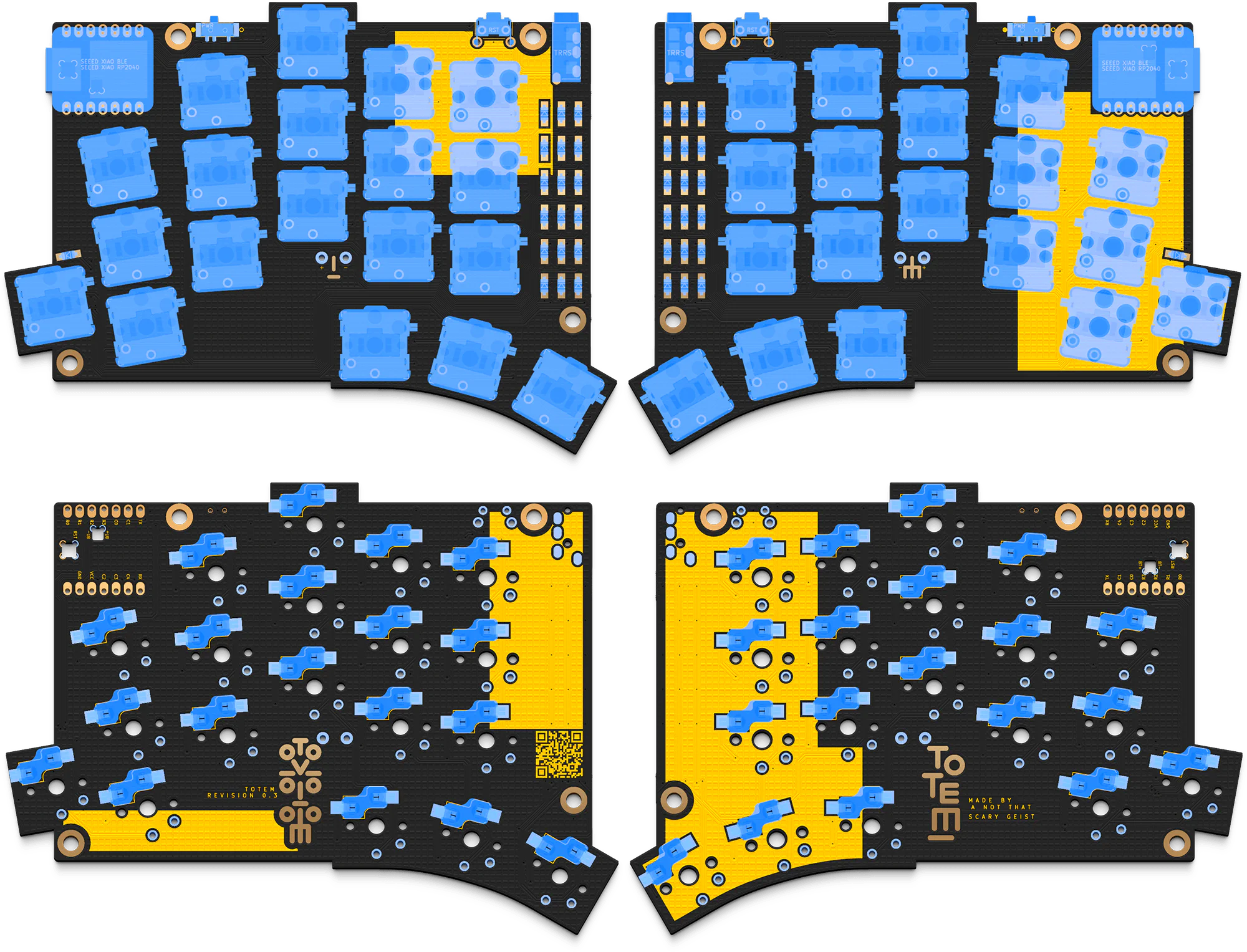
Apply some solder on one of the pads first.
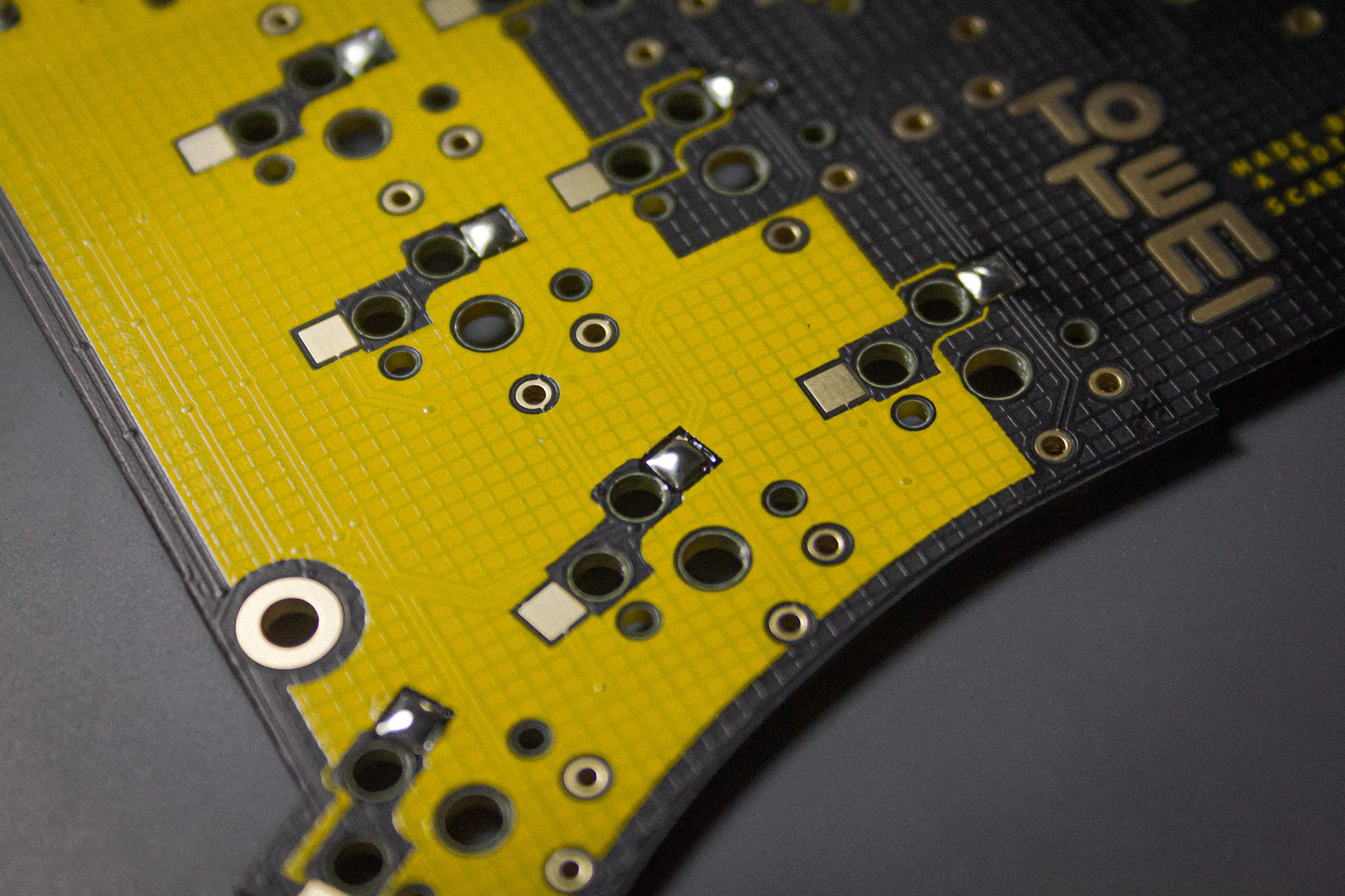
Then place the switch socket in the silk screen markings. The orientation matters here too. Especially if you plan on using the case.

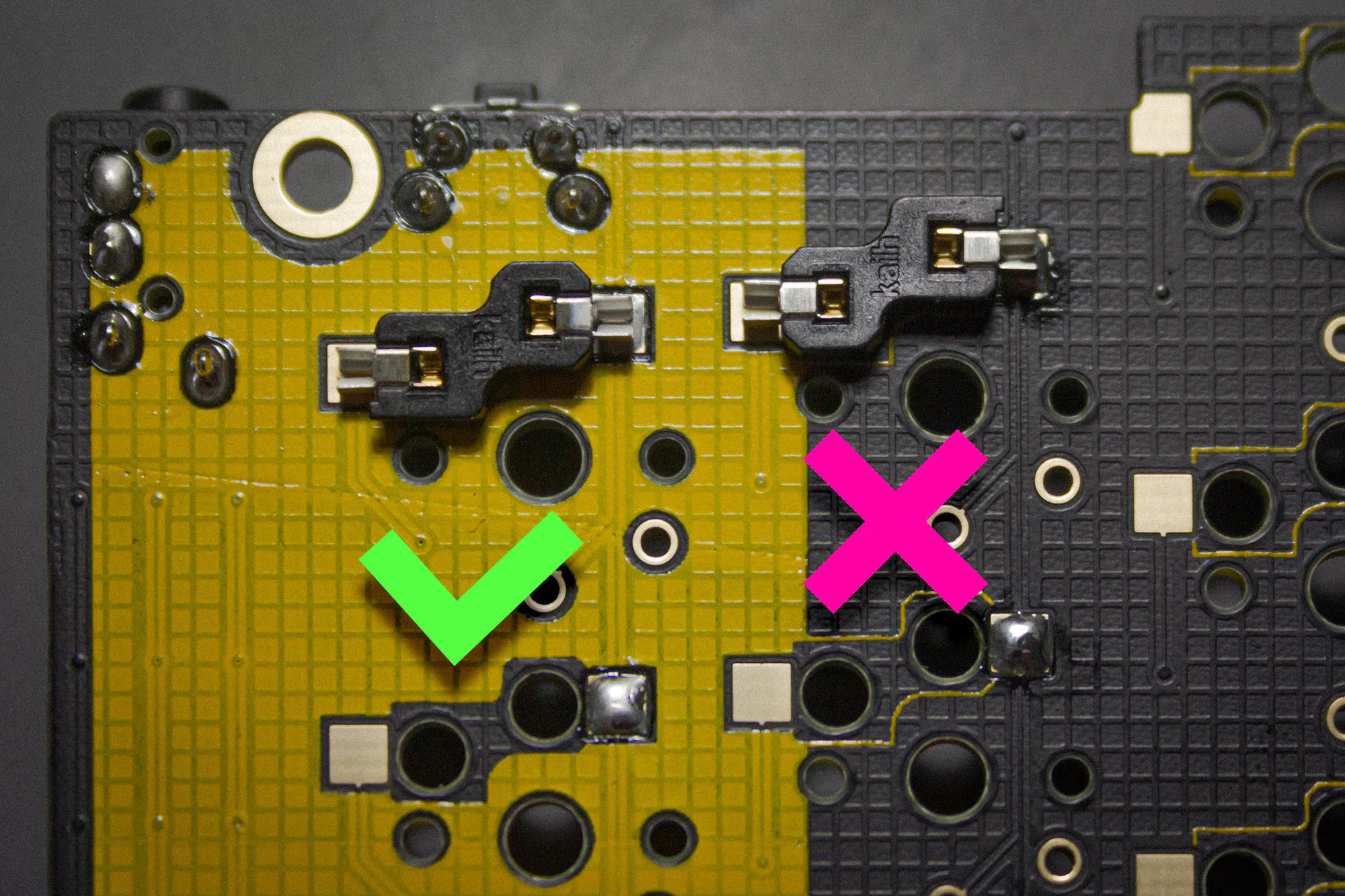
Than reheat the solder. Apply some pressure with a pair of tweezers to make sure the socket is fully seated.
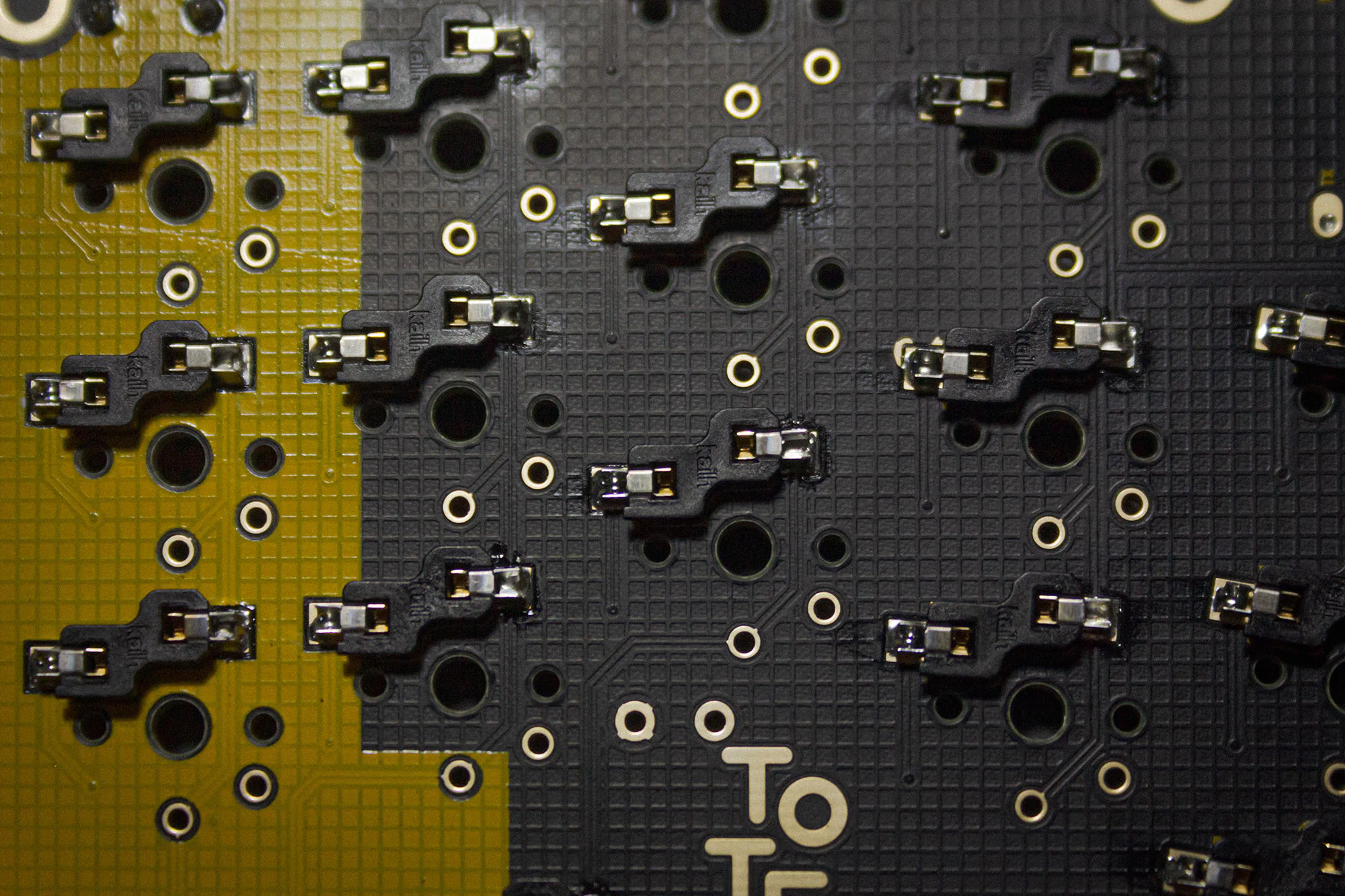
Now you can add solder to the second pad.
Insert the button into the top of the PCB.
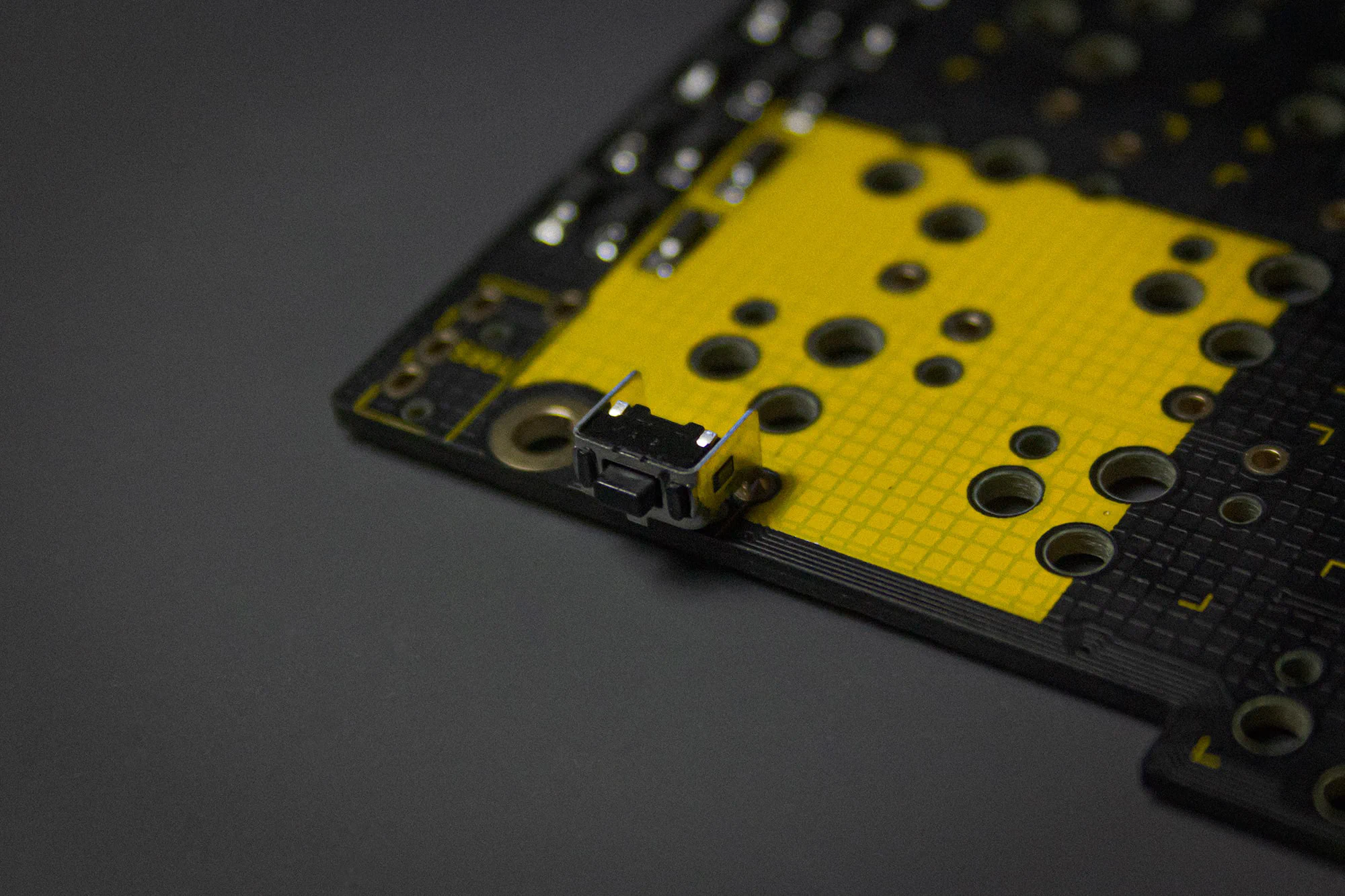
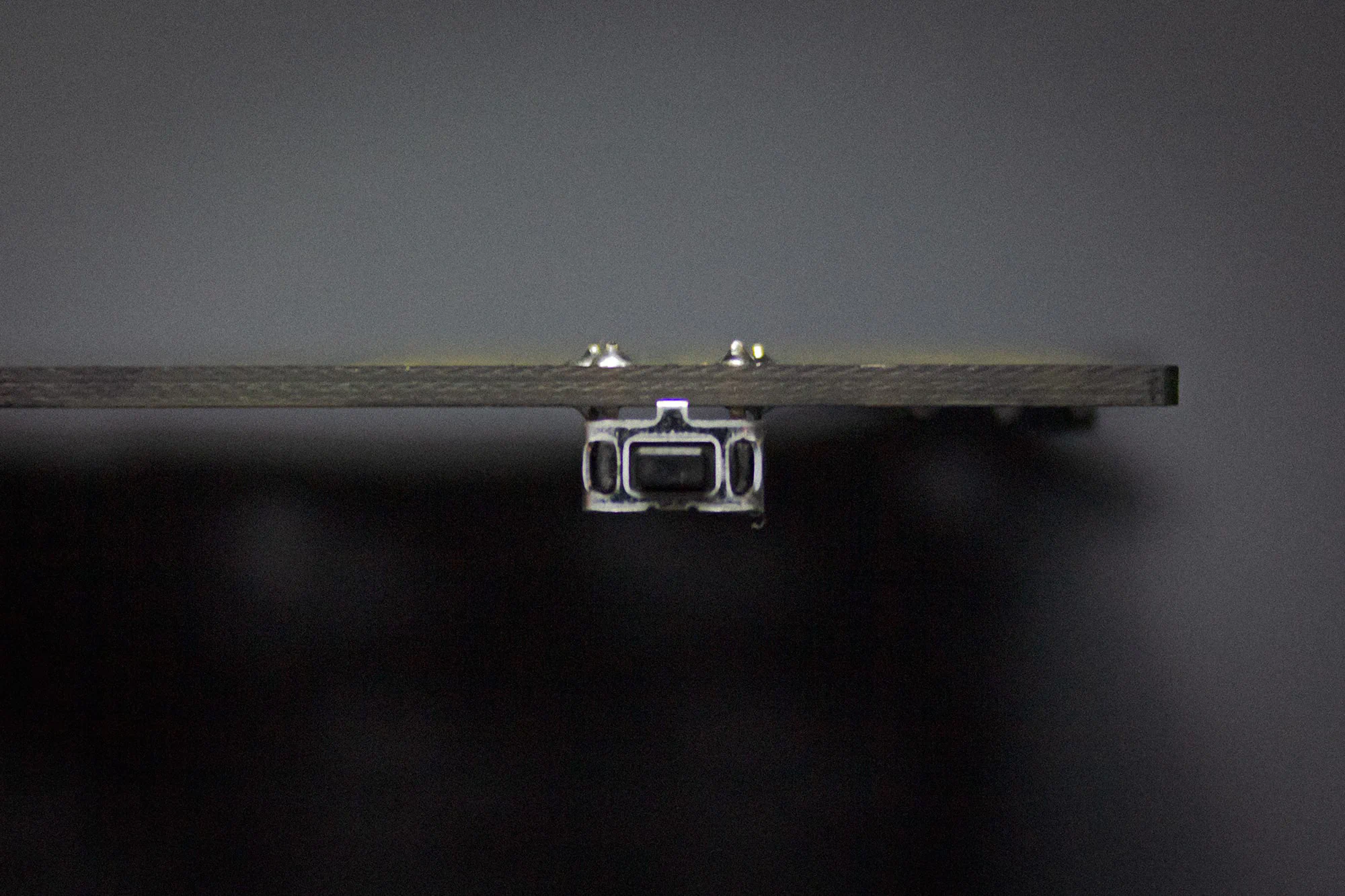
We placed the fooprint a bit more towards the edge, than it’s meant to be, to integrate it better into the case. Therefore the tiny stabilizer on the bottom of the switch doesn’t touch the PCB anymore. Make sure it aligns with the PCB vertically, so it’s oriented correctly.
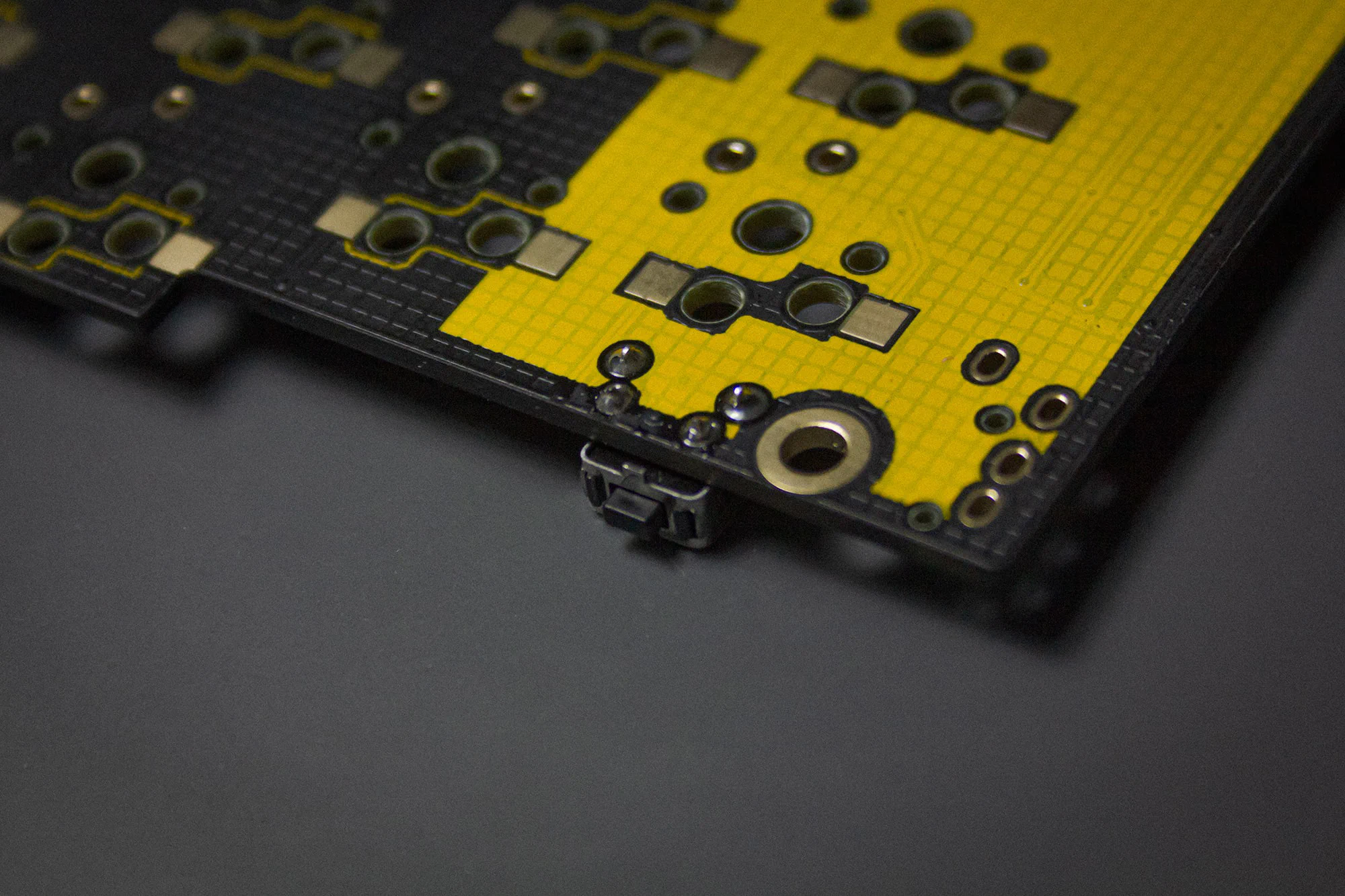
Then solder the four pins on the bottom to the PCB.
Note
Please clip off the legs of the button as short as possible. The case is designed to be as low profile as we can get so the tolerances are pretty tight.
Note
When you buy the kit through KeebSupply you will get preflashed controllers. The controller with the yellow dot is the controller for the left side!!! Orientation is very important here!
Place the microcontroller in it’s place.
Apply some flux and try to hold the iron in an angle where you touch the pads of the microcontroller and the PCB, while adding solder.
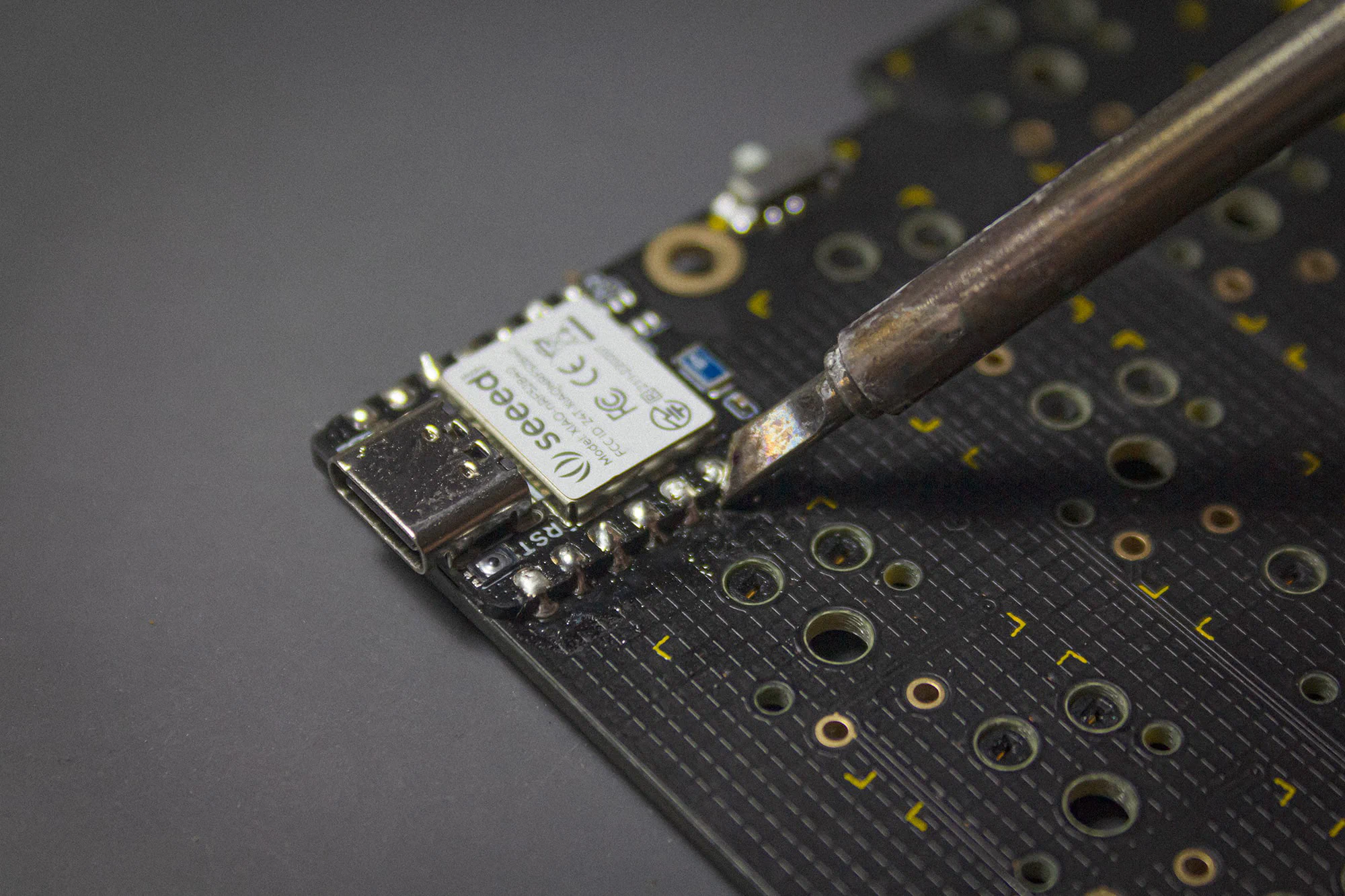
The pads on the back are a bit fiddly to solder, so you should add a lot of flux to the pads on the microcontroller first. Then apply the same technique as on the front: Try to touch the pads on the microcontroller and the PCB before adding solder.
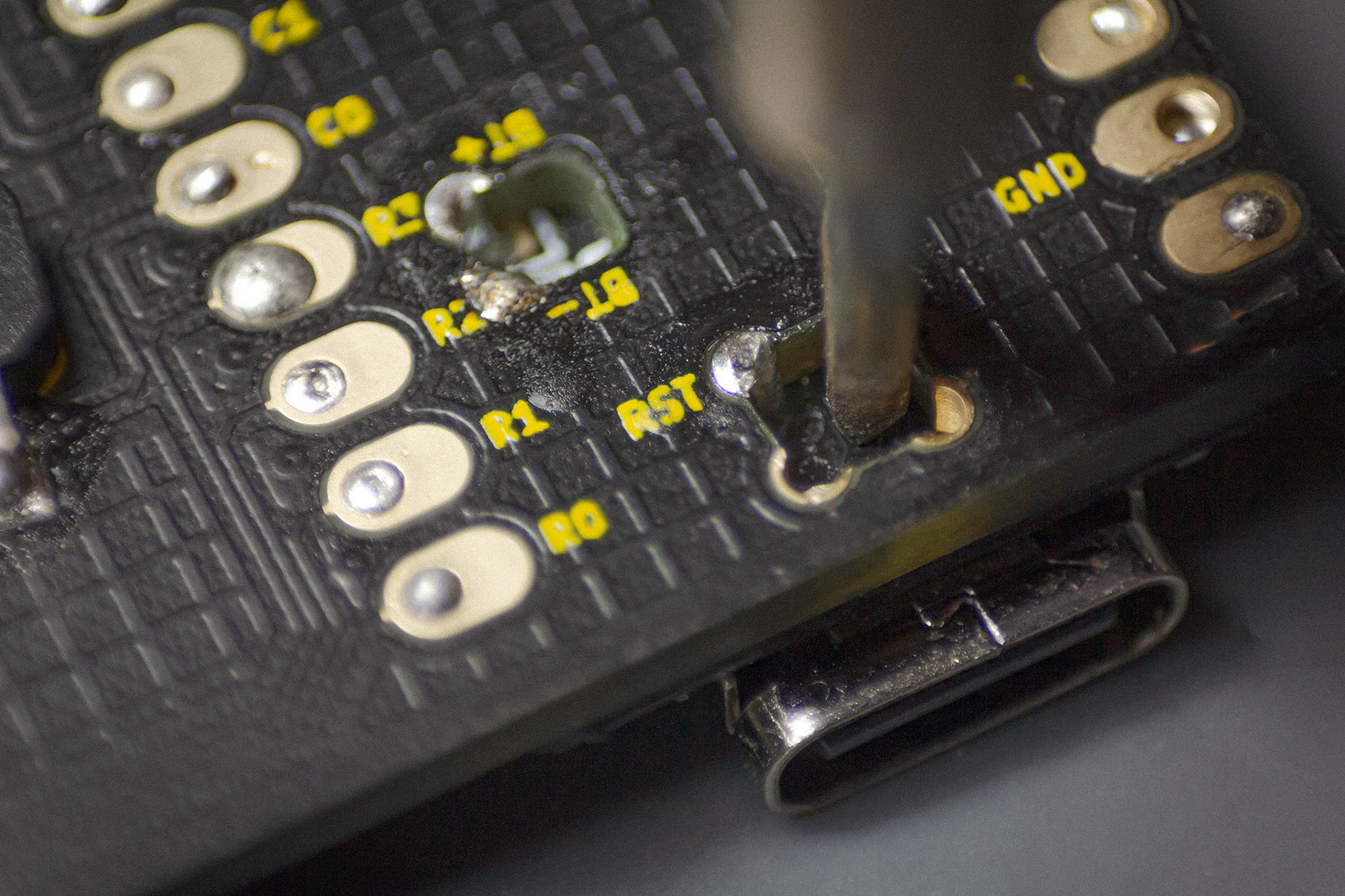
Note
When you buy the bluetooth version of the kit, don’t forget to solder the BT- and BT+ connections!.
You will only need to solder these parts, when building the wired version of the TOTEM.
Install the TRRS jack on the bottom side of the PCB. The place where you should insert it is marked with a white line.
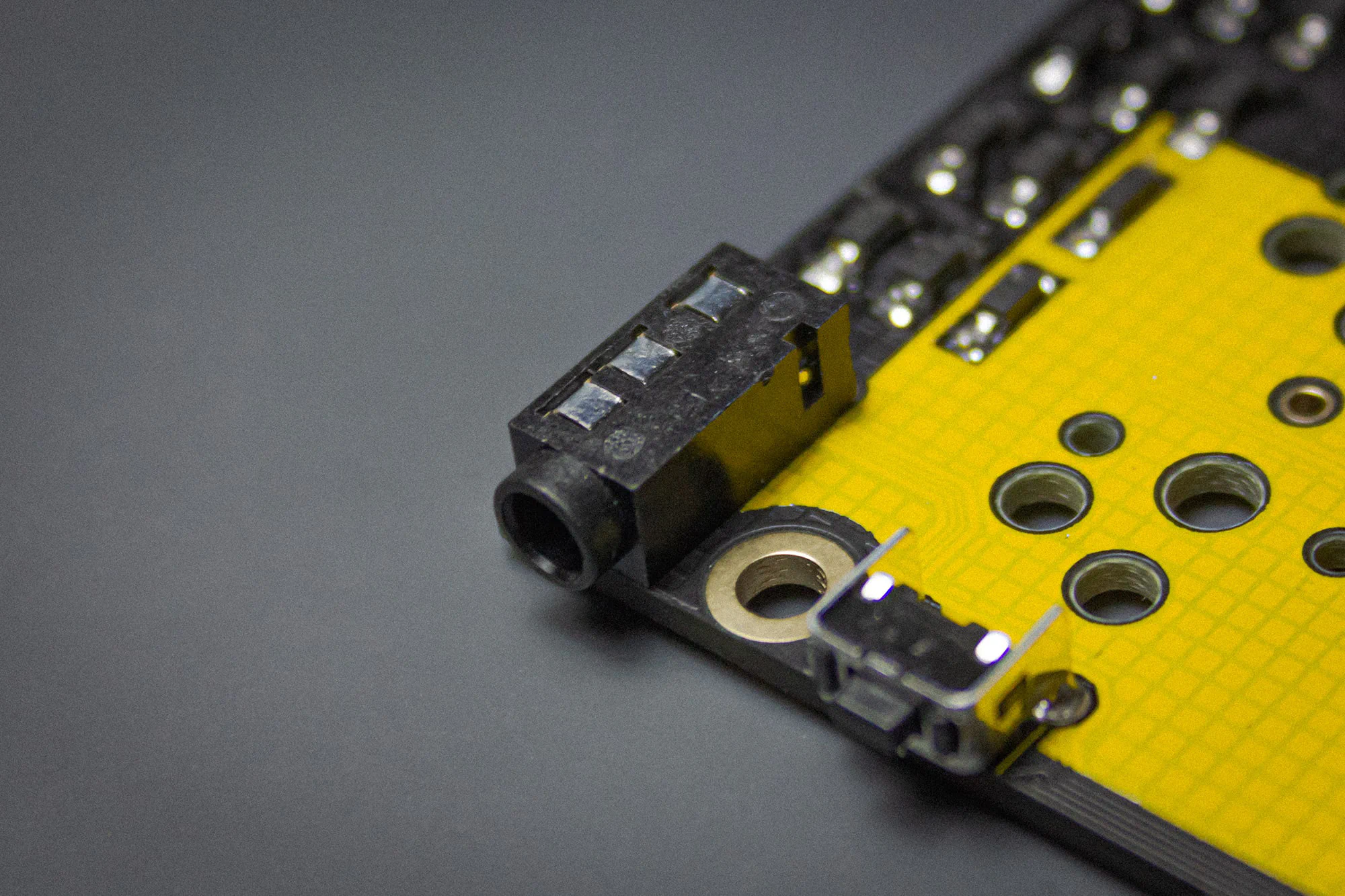
You may want to use some masking or kapton tape to hold it in place, since you need to solder it on the bottom.
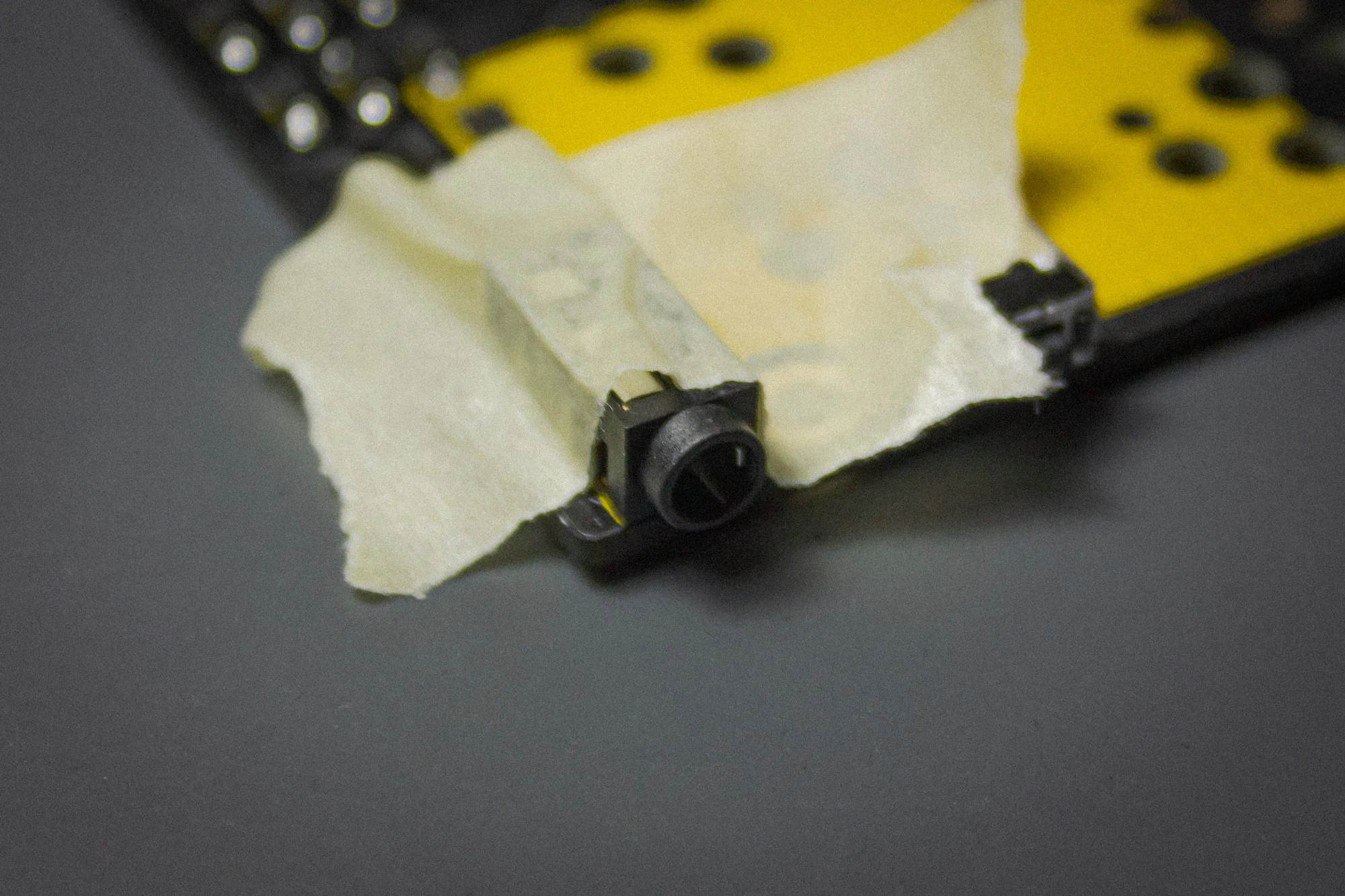
Then solder the pins on the bottom to the PCB.
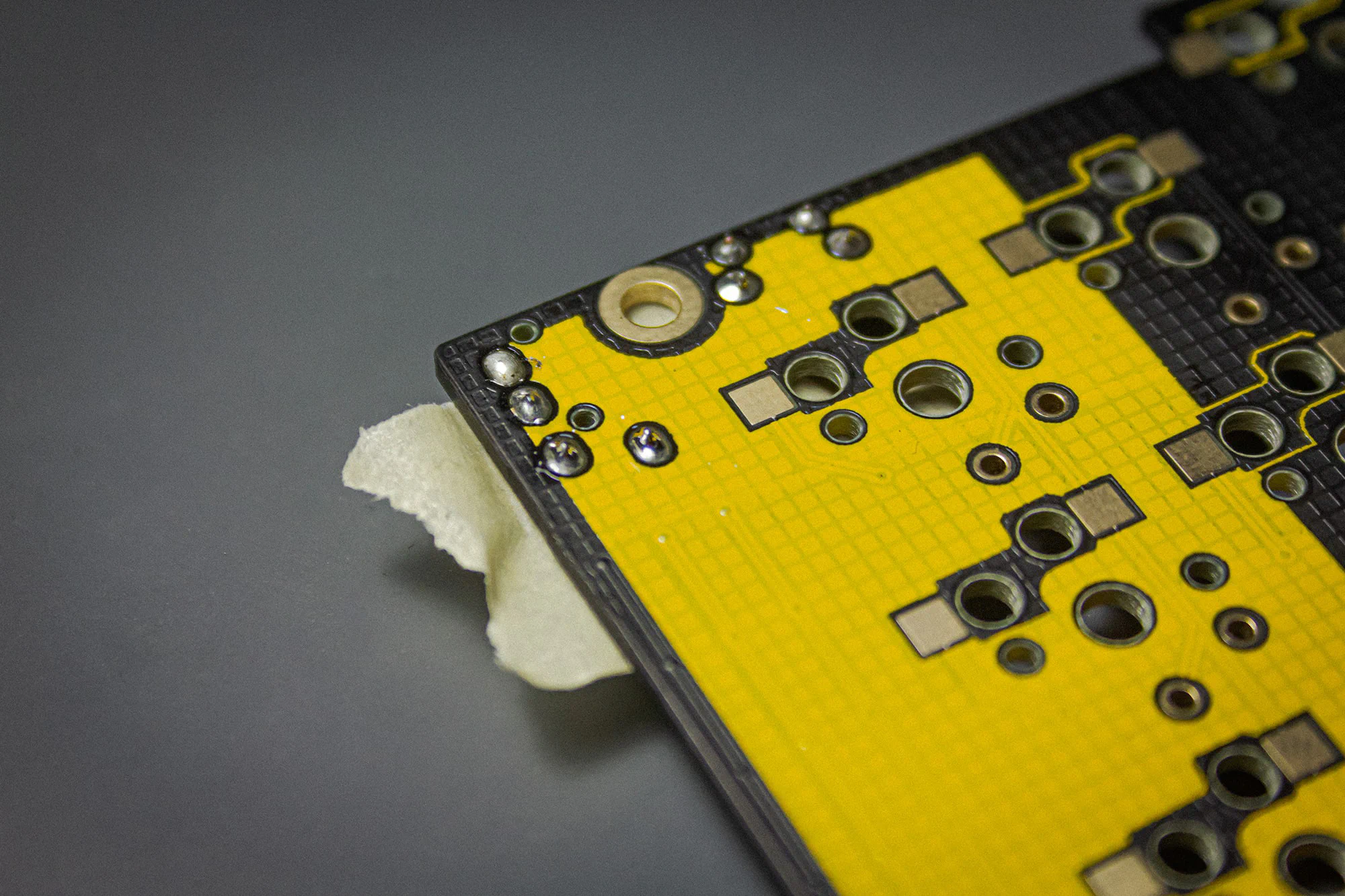
Note
Please clip off the legs of the TRRS jack as short as possible. The case is designed to be as low profile as we can get so the tolerances are pretty tight.
Once you are done with the parts for the wired version you can skip to
here to continue.
You will only need to solder these parts, when building the wired version of the TOTEM.
Apply a tiny bit of solder on the bigger, outer pads on top of the PCB.
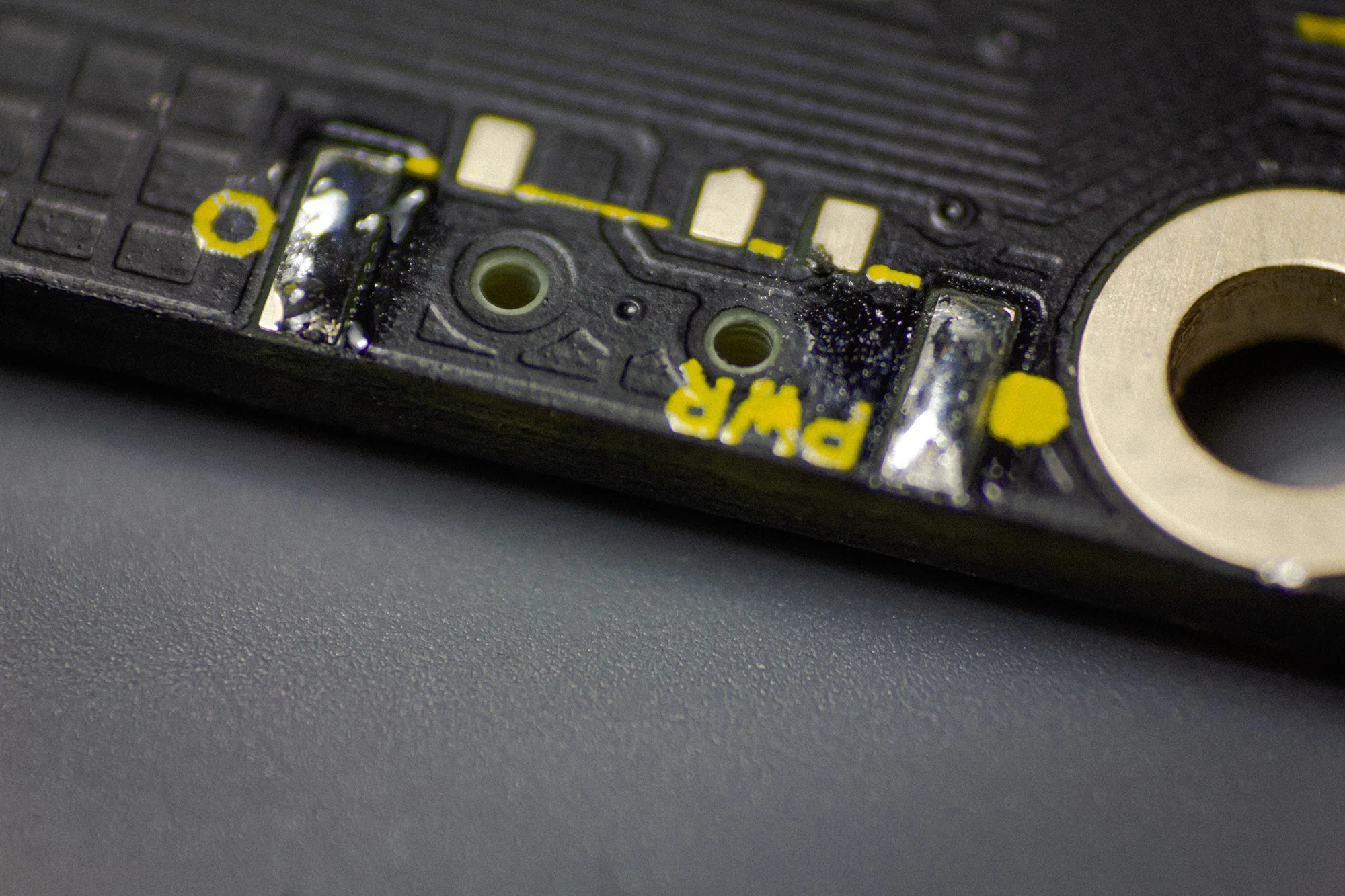
The power switch has some tiny knobs on its bottom, which fits into the PCB holes. Hold it in place with tweezers and than reheat the solder on the pad. After this you can solder the other pad and the three pins.
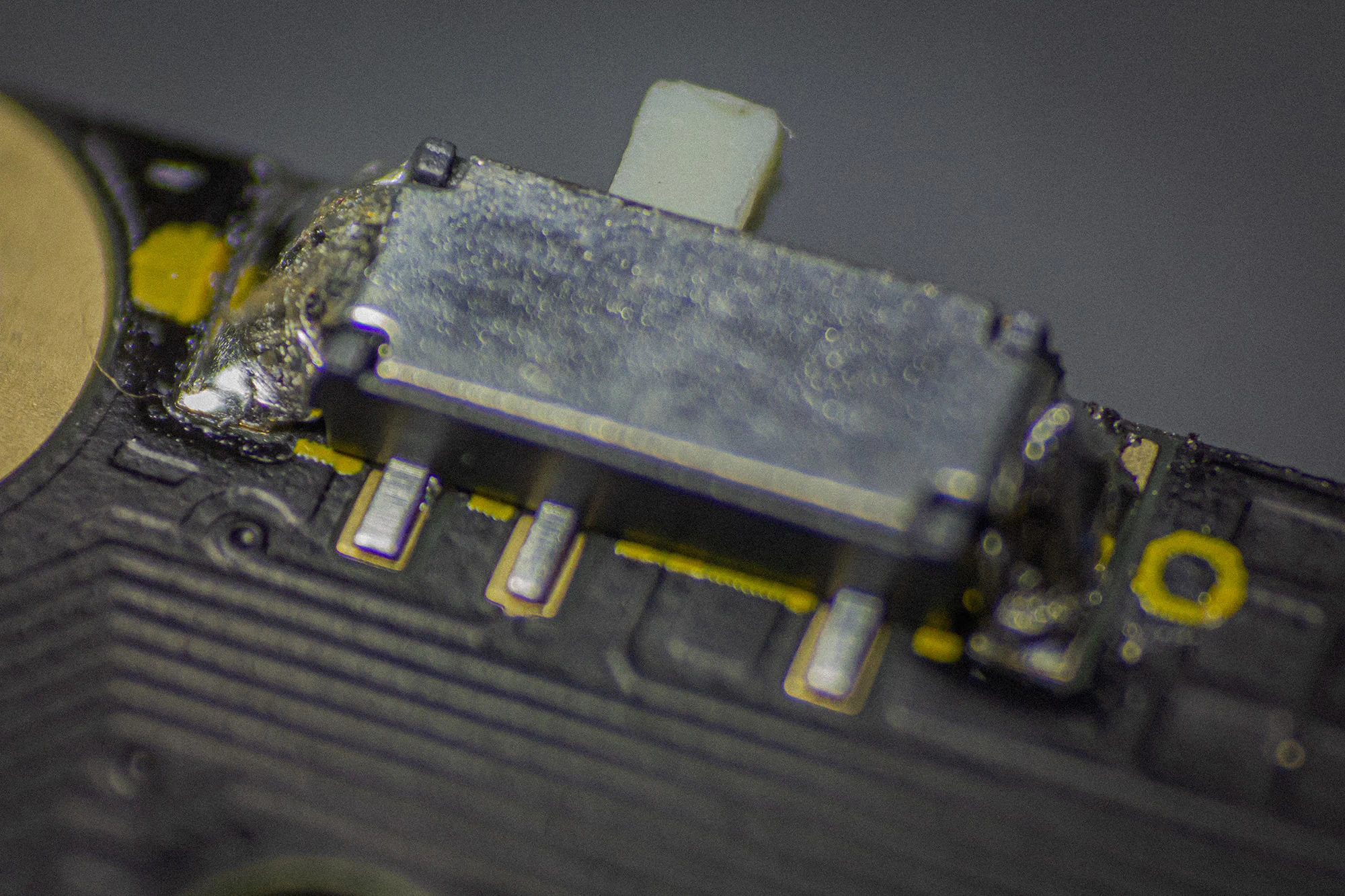
Note
Be incredibly careful when working with batteries! Don’t let the leads touch each other!
You probably need to shorten the cables of the 751517 lithium polymer battery and tin them, since the length needs to be pretty short, to fit.
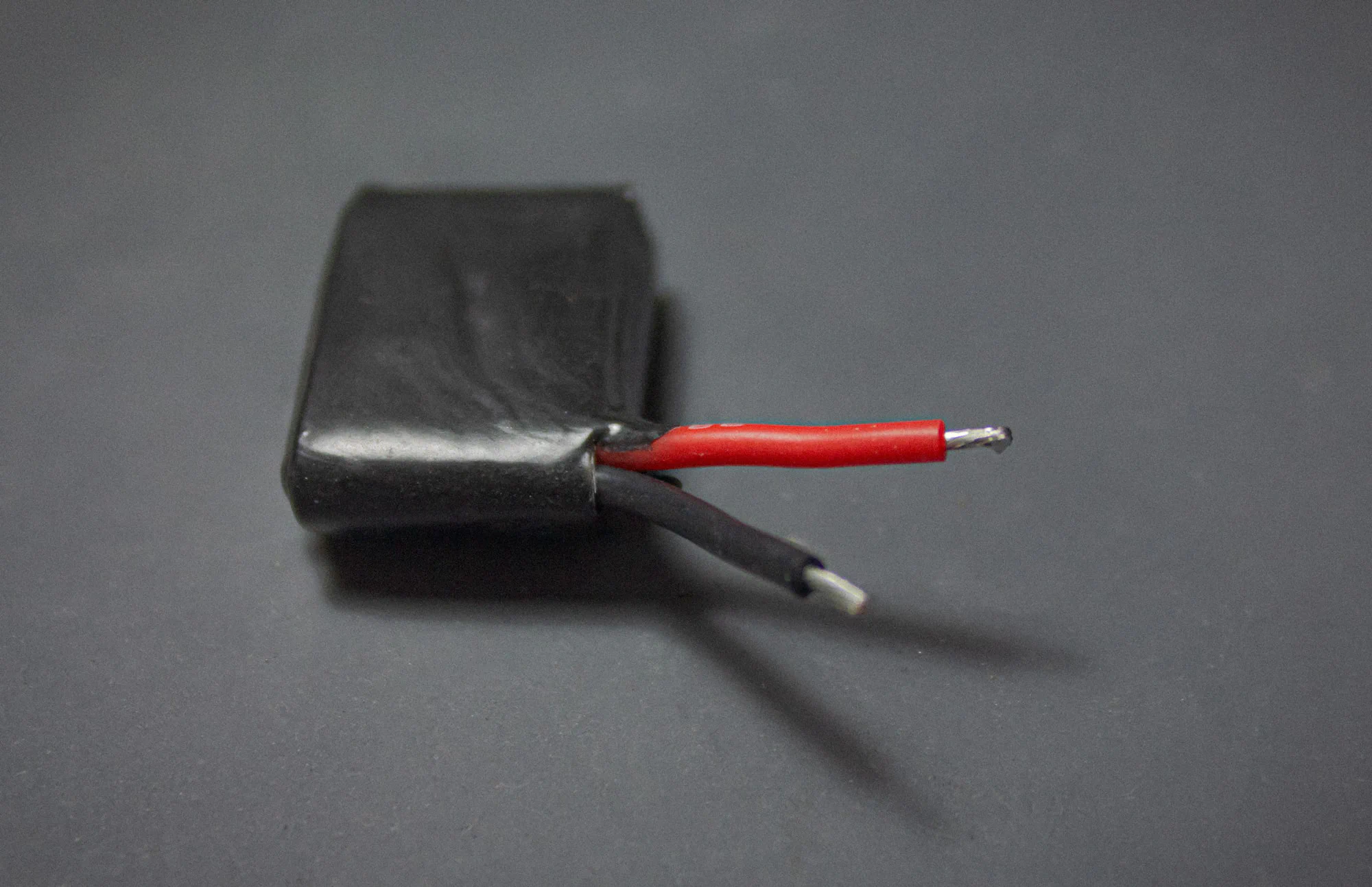
Note
Before attaching the battery in any way to the PCB set the the power switch to off (right on both sides).
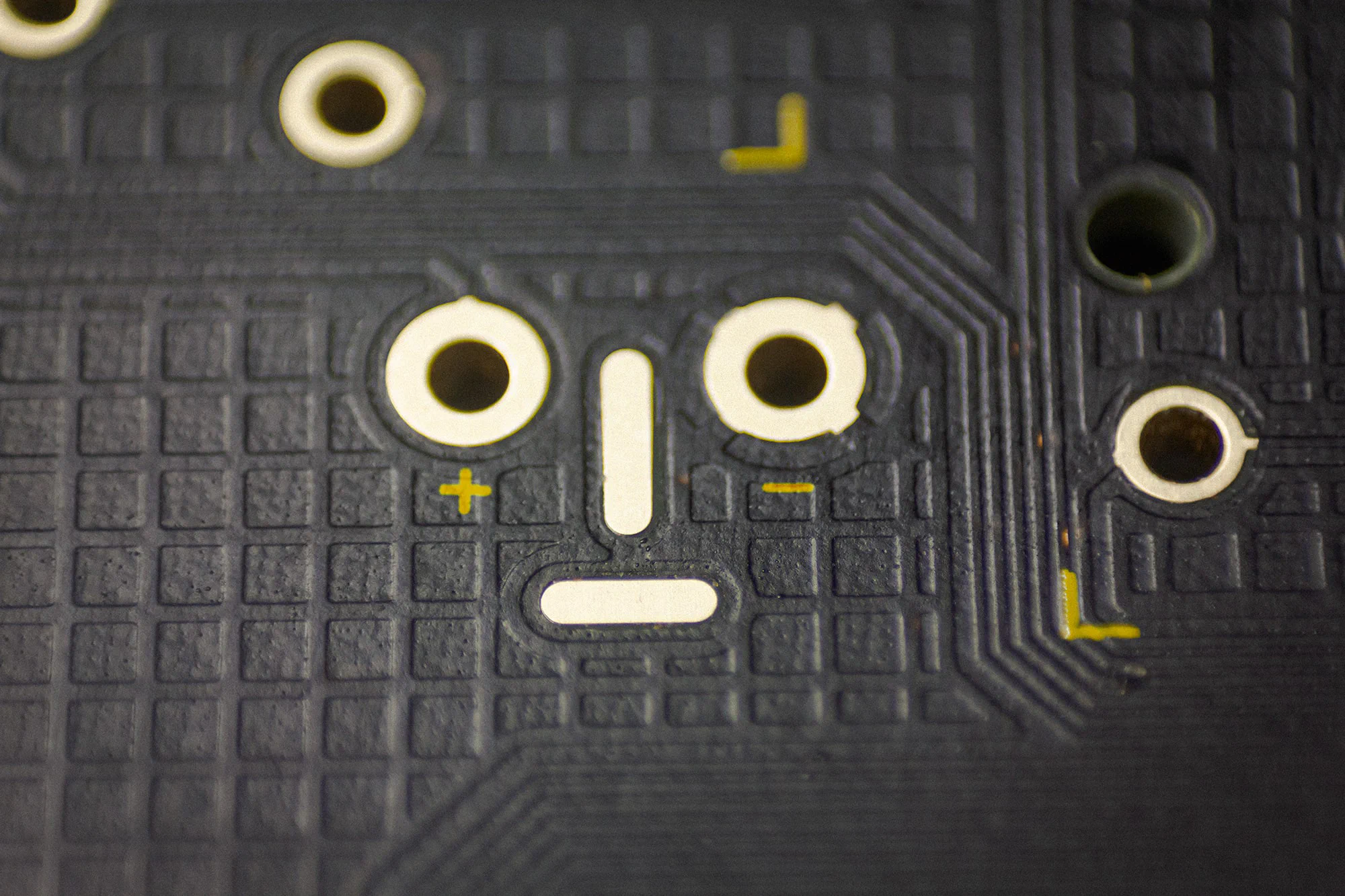
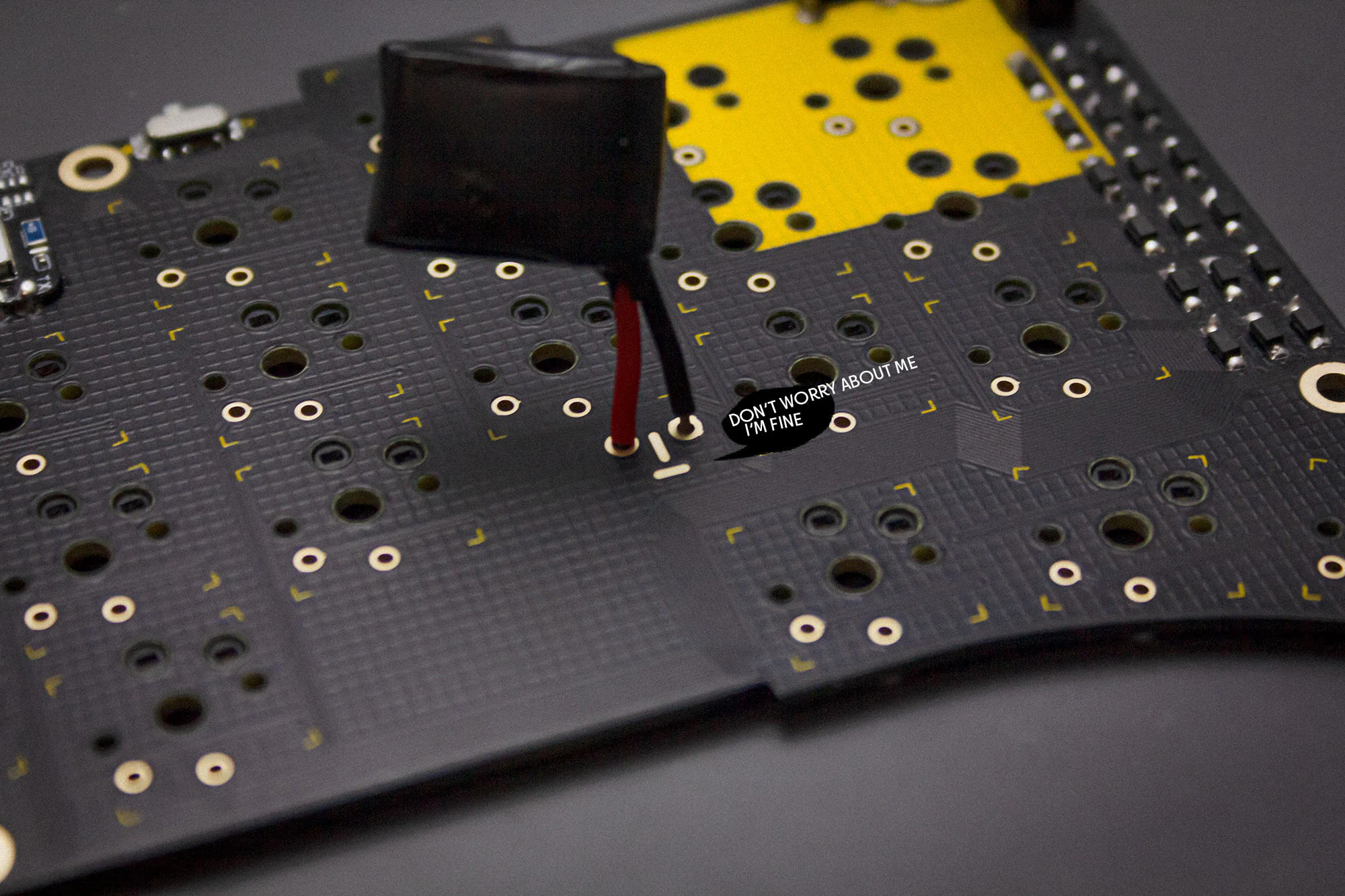
You can see which cable needs to go in which eye by the silkscreen below the eyes. Red is + / Black is -.
Attach the wires of the battery to the pads and solder them in.
Once you are done with the parts for the bluetooth version you can skip to
here to continue.
When you are done soldering, you should clean your PCB with isopropanol or PCB cleaner to make it look nice again.
Note
After you have cleaned the PCB it is good practice to check if your keyboard is working. Please do that now.
Note
We’re using the transparent version of the case, so it’s easier to see where everything goes, but it’s identical to the black/white case.
First install the standoffs from below into the top of the case.
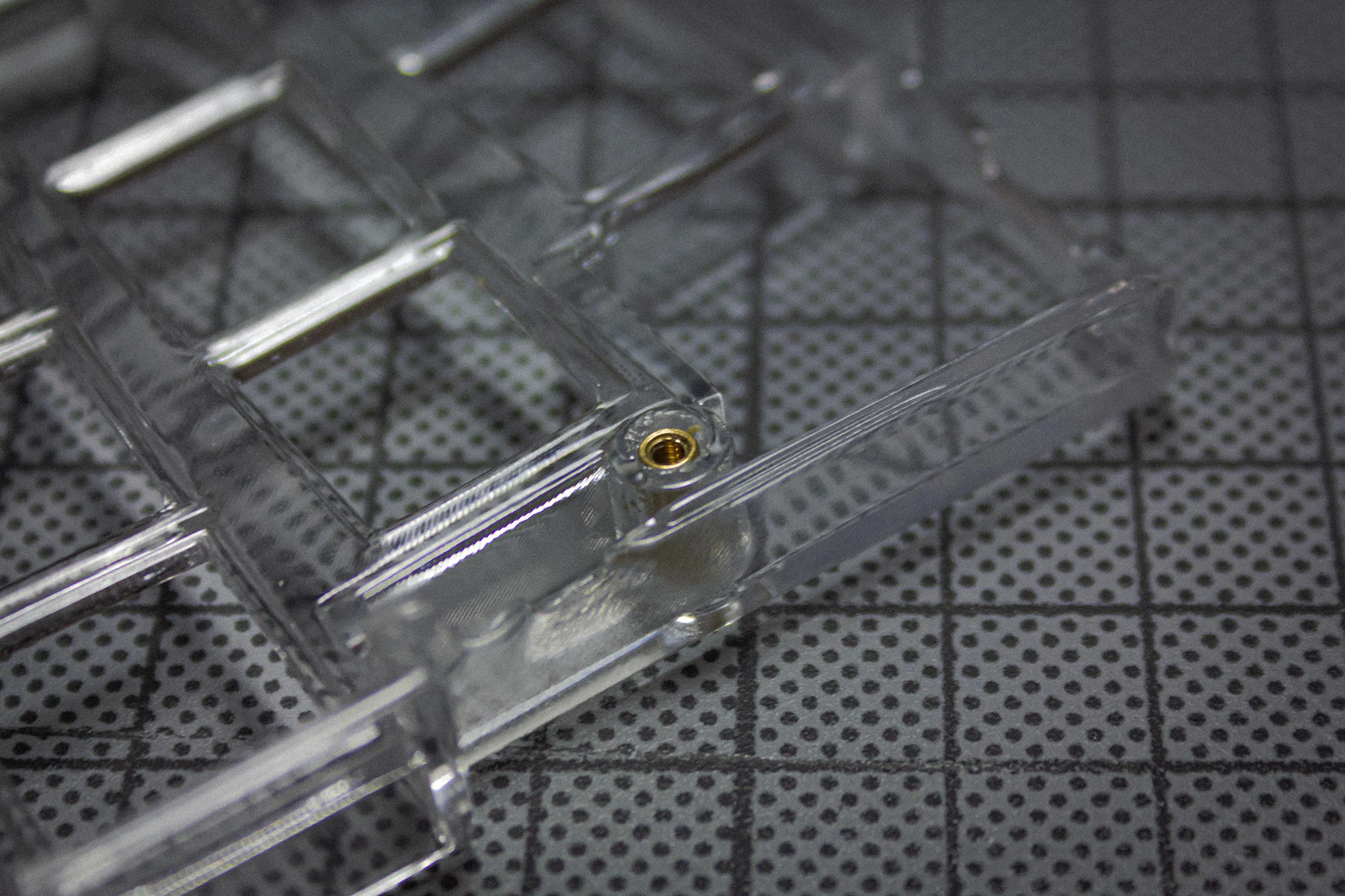
Next screw them in from above.
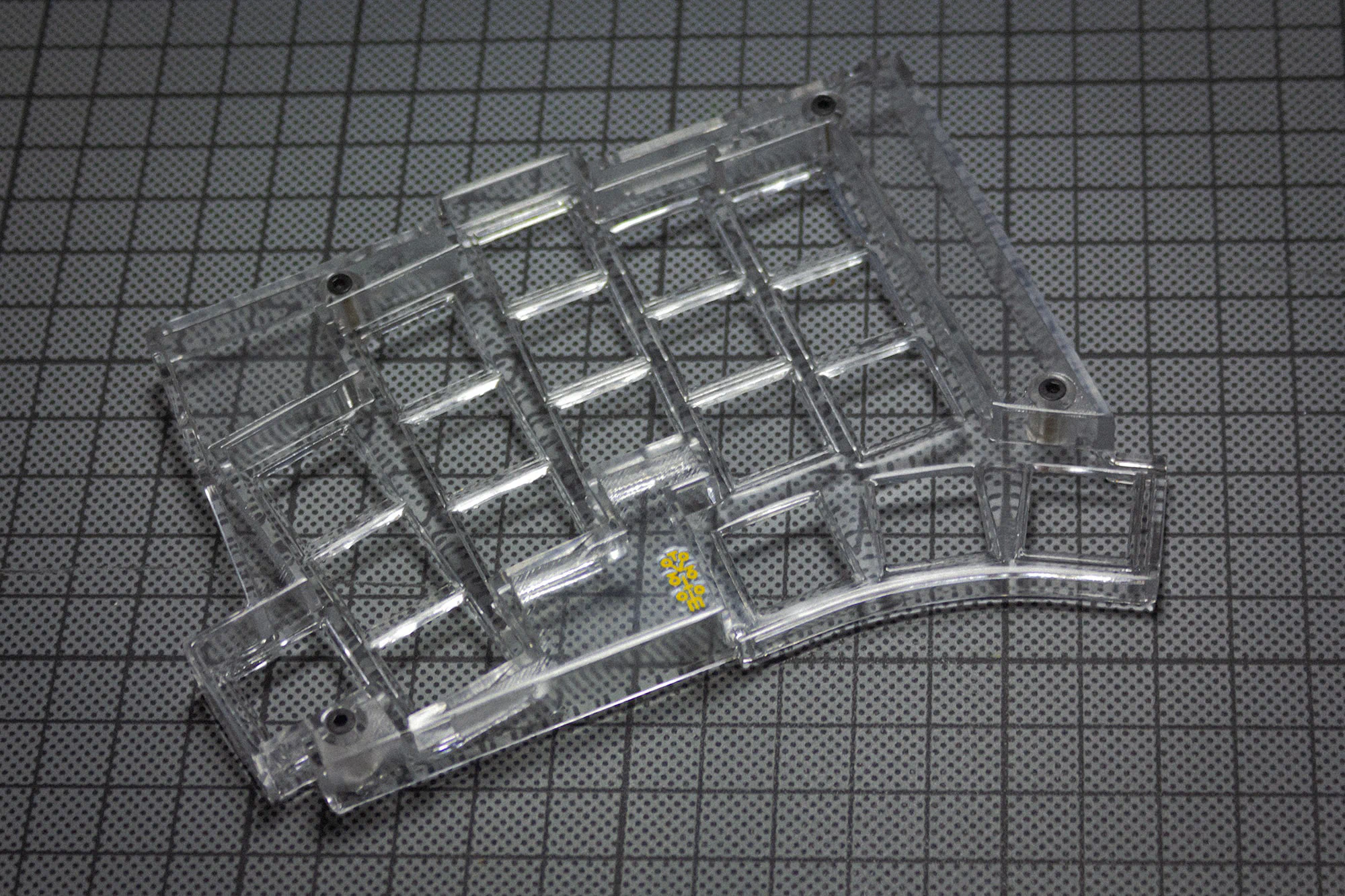
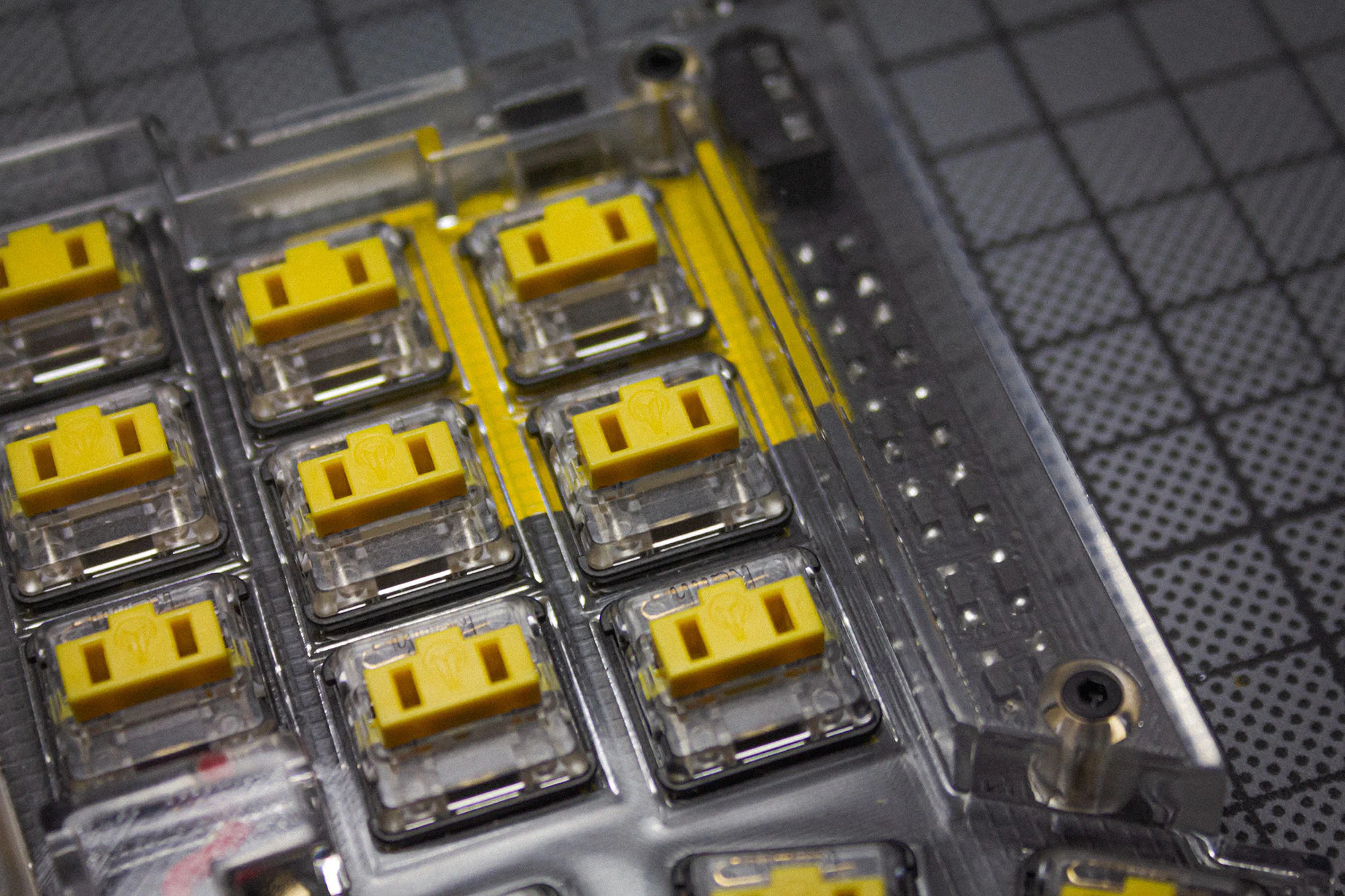
Now insert the board into the top and put in your switches. Be sure to support the hotswap sockets from below!
Put in your rubber feet into the designated spots in the bottom piece.
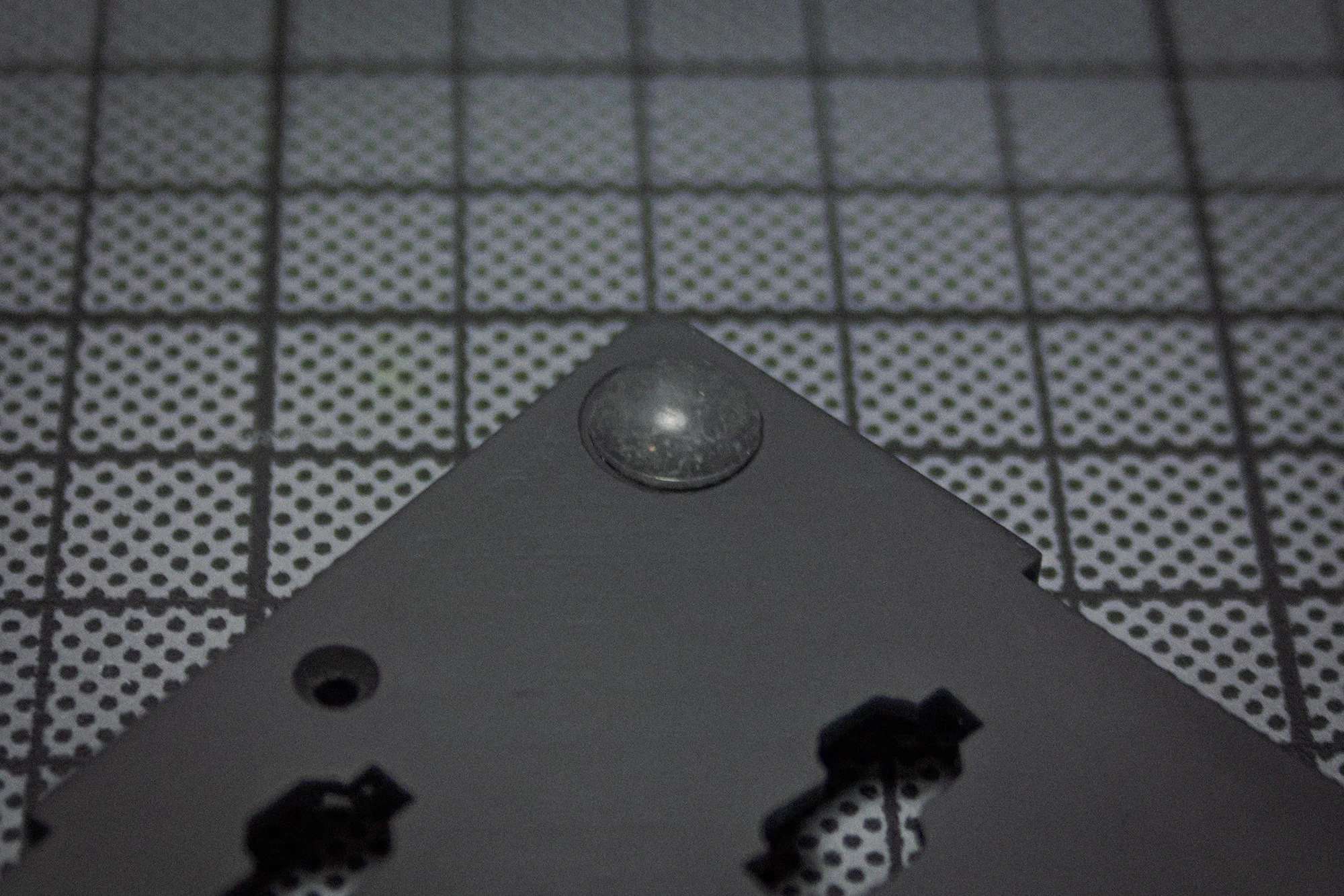
You can than attach the bottom to the case and screw it in.
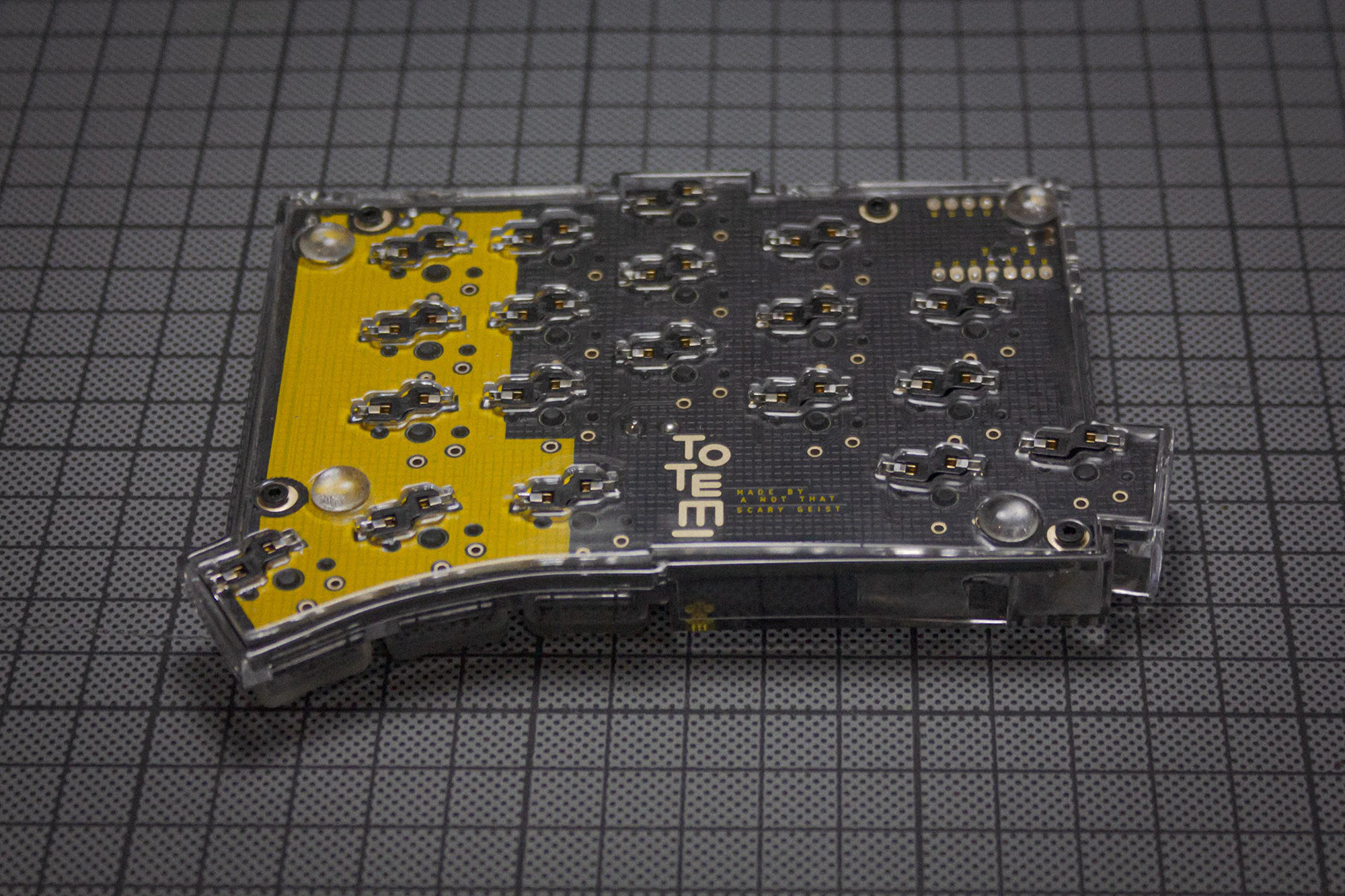
When you buy the Kit through KeebSuppy, the TOTEM comes preflashed with a VIAL config. The keyboard should pop right up, when plugging it in.
This is how the final keyboard will probably look like.